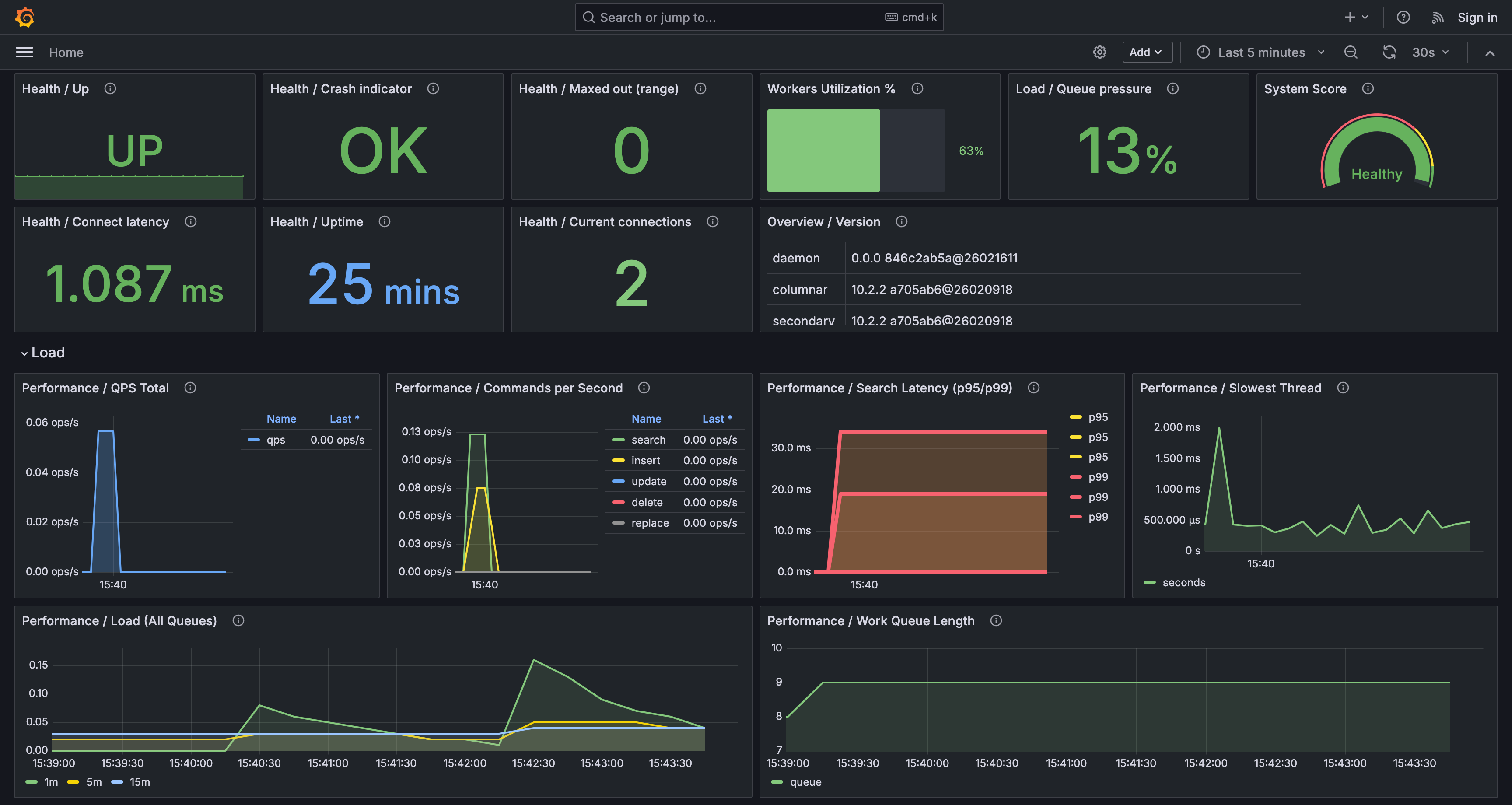
OpenSearch Dashboards is a visual interface that allows you to explore, visualize, and create dashboards for your log data. It connects to the backend over an HTTP API. Manticore exposes that API on its HTTP listener, so you can point OpenSearch Dashboards at Manticore and use Discover, Visualize, and Dashboards in a similar way to Kibana. With this integration, you can build charts and dashboards, run ad hoc searches in Discover, and keep working with familiar ingestion tools such as Logstash and Filebeat to load log and event data for analysis.
- Download OpenSearch Dashboards: Ensure you download an OpenSearch Dashboards version compatible with Manticore. Currently, version 3.4.0 is tested and recommended. Other versions may work but could introduce issues. Set
kibana_version_stringin Manticore to match your OpenSearch Dashboards version (see Configuration below). - Verify Manticore: Ensure your Manticore instance is running and its HTTP API is reachable (default:
http://localhost:9308). - Manticore Buddy: Ensure Manticore Buddy is installed and running. OpenSearch Dashboards integration is implemented by Buddy's EmulateElastic plugin, which emulates the Elasticsearch-compatible HTTP API that Dashboards expects (the same code path as Kibana). Buddy starts automatically with
searchdunless you disable it viabuddy_path.
-
Open the OpenSearch Dashboards configuration file (
opensearch_dashboards.yml; common paths includeconfig/opensearch_dashboards.ymlin the tarball layout or/etc/opensearch-dashboards/opensearch_dashboards.ymlon some packages). -
Set the URL of your Manticore instance:
opensearch.hosts: ["http://localhost:9308"]When running OpenSearch Dashboards in Docker, you can set the same value via the
OPENSEARCH_HOSTSenvironment variable.Since Manticore does not provide the OpenSearch Security plugin, you must disable the security dashboards plugin in OpenSearch Dashboards as well:
- Docker: set
DISABLE_SECURITY_DASHBOARDS_PLUGIN=truein the container environment. - Tarball install: stop OpenSearch Dashboards, then run:
./bin/opensearch-dashboards-plugin remove securityDashboards. After that, start OpenSearch Dashboards again.
See Disabling and enabling the Security plugin for details.
- Docker: set
-
Start OpenSearch Dashboards and open it in your browser at
http://localhost:5601. Replacelocalhostwith your server's IP or hostname if necessary.
Note: Manticore must work in real-time mode to be integrated with OpenSearch Dashboards.
Set kibana_version_string to the same version as your OpenSearch Dashboards install. OpenSearch Dashboards checks the backend version reported by Manticore and may show warnings or fail to start if they do not match.
searchd {
    listen = 127.0.0.1:9308:http
    pid_file = /var/run/manticore/searchd.pid
    data_dir = /var/lib/manticore
    kibana_version_string = 3.4.0
}- Use the Discover tab to search and filter documents in Manticore tables interactively.
- Navigate to Visualizations to create custom visualizations:
- Create an index pattern that matches a Manticore table name.
- Choose a visualization type (e.g., bar chart, line chart, or pie chart) backed by supported aggregations:
terms,histogram,date_histogram,range,date_range, and metric aggregationsmax,min,sum,avg. - Configure your visualization, execute it, and explore your data.
- Save visualizations for future use.
- Access Dashboards to create or view interactive dashboards:
- Add saved visualizations, filters, or controls for a personalized experience.
- Interact with your data directly from the dashboard.
- Save dashboards for future use.
- Use Management > Dashboards Management for index patterns and saved objects (visualizations, dashboards).
- Stack-level requests needed for Dashboards startup are emulated (node version, cluster settings, config objects, index listing). Full OpenSearch cluster administration is not available against Manticore.
- Currently, OpenSearch Dashboards version 3.4.0 is tested and recommended. Other versions may work but could cause issues. You must set
kibana_version_stringin Manticore to match the OpenSearch Dashboards version you use. - The following OpenSearch field types are not supported:
- Geographic field types (
geo_point,geo_shape) - Cartesian field types (
xy_point,xy_shape) - Range field types (
integer_range,long_range,double_range,float_range,ip_range,date_range) - Specialized search field types (
semantic,rank_feature,rank_features,percolator,star_tree,derived) - Vector field types (
knn_vector,sparse_vector) - Autocomplete field types and advanced string field types (
completion,search_as_you_type,match_only_text, and similar types; plaintextandkeywordare supported) - Relational field types (
nested,join)
- Geographic field types (
- Metric aggregation functions are limited to those supported by Manticore.
- Nested aggregations (
aggsinsideaggs) are not supported. - Advanced Dashboards Query Language (DQL) features (nested field search, regular expressions, fuzzy search, proximity search, term boosting, and similar) may not work against Manticore.
- The following OpenSearch Dashboards tools and plugins are not supported:
- Geospatial (map visualizations that depend on geographic field types)
- Observability – Apps for monitoring infrastructure metrics, exploring logs, and trace analytics
- Alerting – Monitors, triggers, and notifications against OpenSearch APIs
- Anomaly Detection – Detectors for outliers in time-series data
- Security Analytics – SIEM workflows for threat detection and investigation
- Monitoring:
- Index State Management – Automated index lifecycle policies
- Performance Analyzer – Cluster performance metrics and root cause analysis
- Index Management – A UI for managing OpenSearch indexes, templates, aliases, and lifecycle settings
- Security plugin flows – not available on Manticore
Integrate Manticore with tools like Logstash, Filebeat, Fluentbit, or Vector.dev to ingest data from sources like web logs. Once the data is loaded into Manticore, you can explore and visualize it in OpenSearch Dashboards.